WeTransfer vs PairDrop vs ZapFile: An Honest Comparison (From the ZapFile Team)
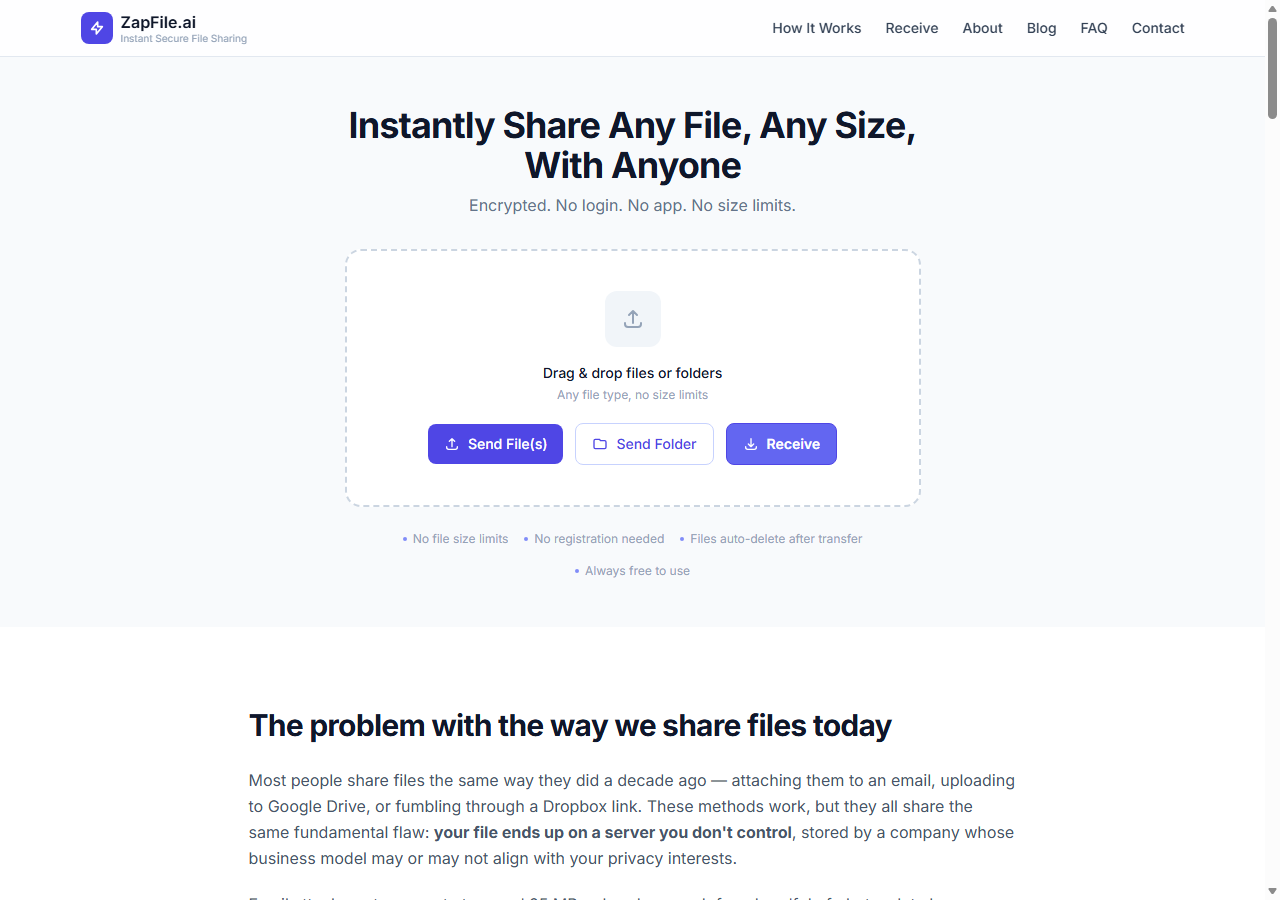
Full disclosure up front: we build ZapFile. You should read everything below knowing that. But here's the thing — we still use WeTransfer and PairDrop ourselves in specific situations, because no transfer tool wins every scenario, including ours. This comparison tells you where each of the three no-signup tools genuinely wins and where each one loses, so you can pick based on your situation rather than whoever's blog post you landed on.
All three share the property that makes them worth comparing in the first place: no account required, works in a browser, free for normal use. That already rules out Google Drive, Dropbox, and email for the quick-handoff use case. The differences are in what happens after you hit upload.
The Three, In One Table
| WeTransfer (free) | PairDrop | ZapFile | |
|---|---|---|---|
| Size limit | 2GB | None | None |
| How the recipient gets it | Email or link | Appears as a nearby device | 5-digit code or link |
| Works across the internet | Yes | Same network (or manual pairing) | Yes |
| File availability | Days — recipient downloads when convenient | Live transfer only, nothing stored | Expires shortly after the transfer |
| Folder support | Yes (zipped on download) | Files only | Yes, structure preserved |
| Ads / upsell pressure | Wallpaper ads, paid tiers | None (open source) | None currently |
| Open source | No | Yes | No |
When WeTransfer Is the Right Choice
WeTransfer has been the default "send a big file" tool for over a decade, and it earned that. Its killer feature is asynchronous delivery: you upload now, the recipient downloads whenever they get to it over the next several days, and WeTransfer emails them the link and (on the sender side) confirms when it was downloaded.
Choose WeTransfer when:
- The recipient isn't expecting the file and will get to it "sometime this week" — a freelancer delivering to a client who's in meetings all day
- You want an email paper trail — the delivery notification is genuinely useful for client work
- The file is under 2GB and nothing about it is sensitive enough that days on a third-party server bothers you
Where it loses: the 2GB free cap is easy to hit with video; your file sits on their servers for days whether you like it or not; and the free experience keeps nudging you toward paid plans. None of these are dealbreakers — they're the trade for the async convenience.
When PairDrop Is the Right Choice
PairDrop is the open-source spiritual successor to Snapdrop — an AirDrop-like experience in a browser tab. Devices on the same network see each other by name and you fling files directly between them. For same-room transfers it is genuinely the closest thing to magic on this list: the file goes device-to-device and never sits on a server at all.
Choose PairDrop when:
- Both devices are on the same WiFi — moving photos from your phone to your laptop, or handing a file to a colleague across the table
- The file is large and your local network is fast — local transfers can beat any internet upload
- You want the strongest privacy posture available: nothing stored, nothing to expire, nothing to leak later
Where it loses: the same-network requirement is the whole story. The moment the other person is somewhere else, PairDrop needs manual device pairing to work across networks, and walking a non-technical person through that defeats the purpose. Both devices also need to be online simultaneously with the tab open — there's no "download it later."
When ZapFile Is the Right Choice
ZapFile sits between the two: it works across the internet like WeTransfer, but it's built for the live handoff rather than the someday-download. You upload, a 5-digit code appears, the other person types it at zapfile.ai/receive, and the transfer happens now. Files expire automatically shortly after the transfer window instead of sitting on a server for days.
Choose ZapFile when:
- You're on a call or chat with the person right now and just need the file over there — the code is faster to say out loud than any link is to send
- The file is over 2GB — no size cap, and folders arrive with their structure intact instead of as a zip
- You don't want a lingering copy — the short expiry is the point: transfer happens, file's gone
- The recipient is non-technical — "type these five digits" beats explaining links, accounts, or device pairing
Where it loses: the same expiry that makes it private makes it wrong for async delivery — if your recipient won't get to the file until Thursday, use WeTransfer. And if both devices are already on the same WiFi, PairDrop's direct transfer is the more elegant answer.
The Decision in One Paragraph
Recipient will download later? WeTransfer. Same room, same WiFi? PairDrop. Different places, need it now, or it's big? ZapFile. If you remember nothing else from this post, that's the whole decision tree — and yes, that means the tool we build is the right answer only about a third of the time. That's how tools work.
One thing all three deserve credit for: none of them require the recipient to create an account, which is the single biggest friction in file sharing. Whatever you pick from this list, the person on the other end will thank you for not sending them a "sign up to download" link.
Also readThe Definitive Comparison: 8 Ways to Move Files Between Android and iPhone →Tags

Tanuja Chinthati is the Content and Marketing Lead at ZapFile, based in Ontario, Canada. With a background in Electronics and Communication Engineering, she writes about privacy-first file sharing, secure data transfer, and digital privacy — making complex security concepts accessible to everyday users.
View all articles →