How to Turn Any File — Any Size — Into a 5-Digit Code
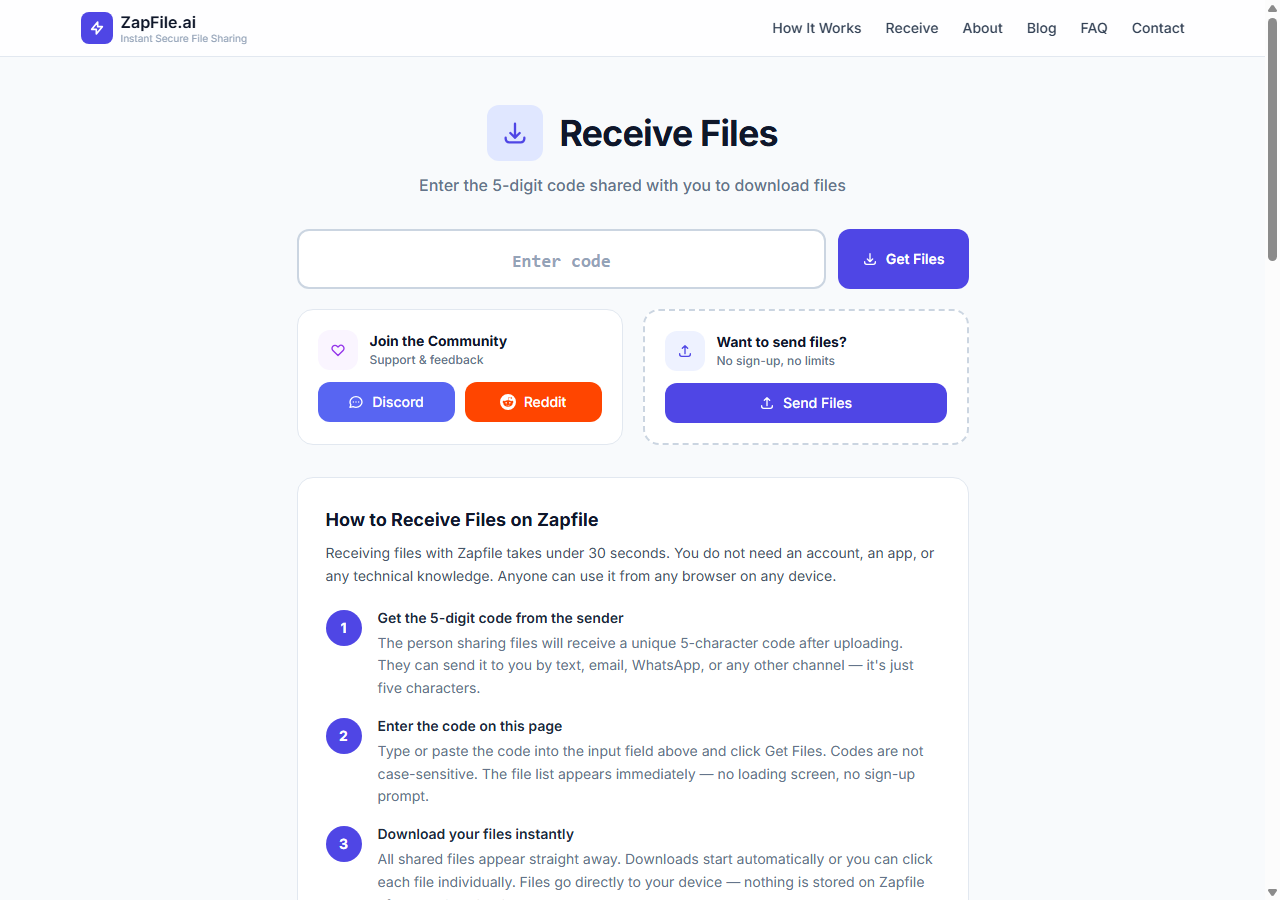
Imagine you are on a phone call with someone. You need to send them a large file right now. You say: "Go to zapfile.ai/receive and type 47291." Ten seconds later, the file is downloading on their screen.
No link copied. No email. No WhatsApp. No app on either side. Five digits and done.
Also readHow to Send Files Without Creating a Login →It sounds like it should not work. A 10GB video reduced to five numbers? Here is what is actually happening — and how to use it.
The Obvious Question: How Does a 5-Digit Code Carry a 10GB File?
It does not. That is the trick worth understanding.
The five digits are not a compressed version of your file. They are not an encoded container. The code is a session key — a meeting room number. It points to a live, encrypted relay channel that opens the moment you drop your file. The code is the door. Your file is what walks through it.
Think of it like a conference call dial-in number. The number does not contain the conversation. It connects you to the room where the conversation is happening. The 5-digit code works the same way — it connects the recipient directly to the live transfer session where your file is streaming through in encrypted packets.
The moment the recipient enters the code on their end, the file begins flowing to them. The code is tiny because it only needs to point to a session — not carry the file itself.
Step by Step: How to Do It
Step 1 — Go to zapfile.ai and drop your file
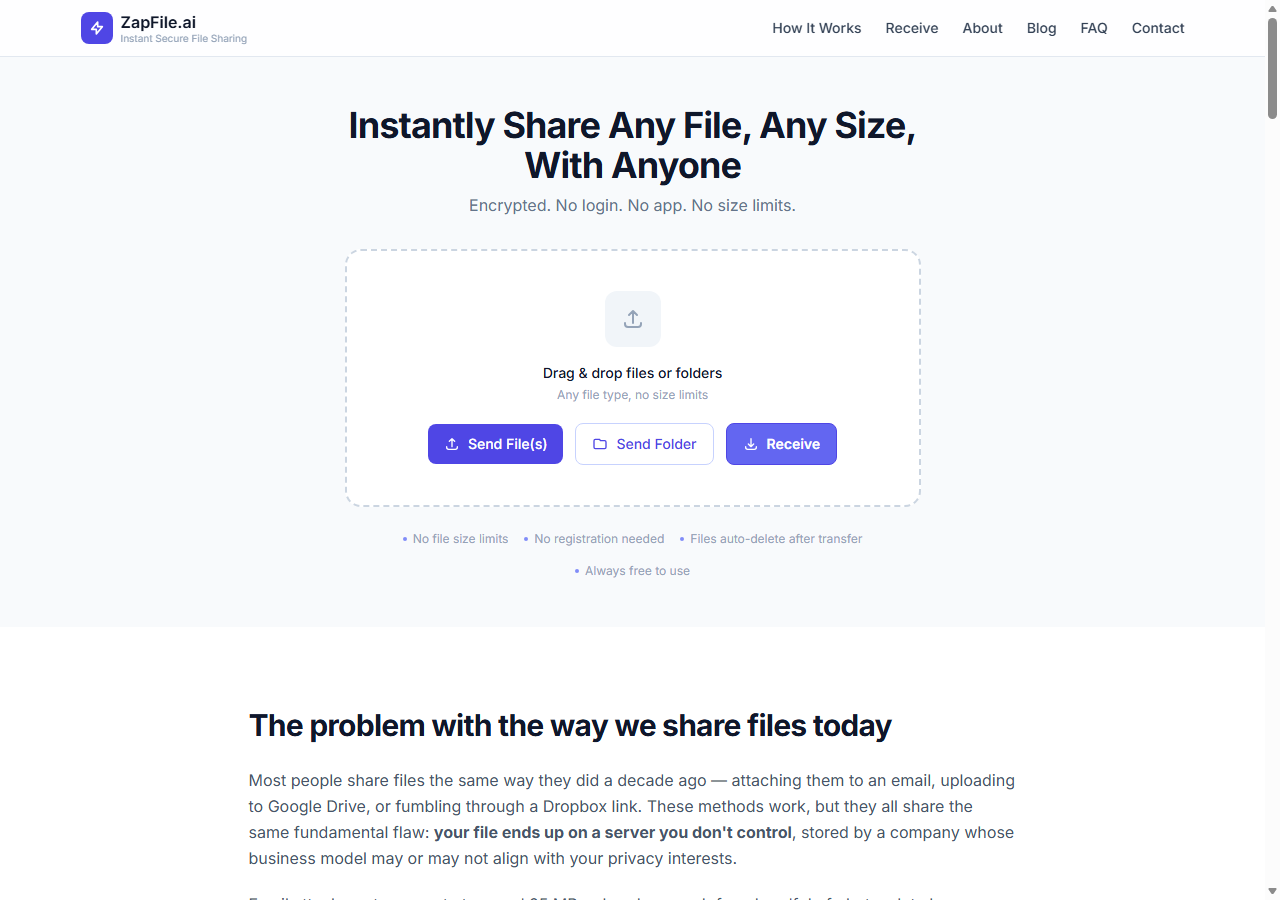
Open zapfile.ai in any browser on any device. Drag your file onto the upload area, or tap to browse and select it. Any file type. Any size. A 50MB document works the same way as a 10GB video.
Related guideHow to Send Files Privately Online: What Privacy Actually Requires→Step 2 — A 5-digit code appears
The moment your file is ready, a unique 5-digit session code is generated. This is the code you share with your recipient. It is active for the duration of your transfer session — nothing more, nothing less.
Step 3 — Share the five digits however you like
Say it out loud on a phone call. Type it in a text message. Write it on a sticky note if you are in the same room. Send it as a WhatsApp message. The code is short enough to be read aloud, short enough to memorise, short enough to type in three seconds. It travels through any channel that can carry five characters.
Step 4 — Recipient goes to zapfile.ai/receive and types the code
The recipient opens zapfile.ai/receive in their browser. They type the five digits. The file download begins immediately over an encrypted connection. No account required on their end. No app to install. Just five digits and a browser.
What Happens to the File After Transfer
The moment the download completes, the file is permanently and irrevocably deleted from the server. The code expires. There is no persistent copy anywhere. The file was encrypted under TLS in transit and AES-256 at rest — and now it no longer exists.
The five digits that carried a 10GB file are now pointing to nothing. The room closed. The file is gone from the server — and only exists on the recipient's device, exactly as you sent it.
When the Code Method Is Better Than a Link
Every transfer also gets a shareable link — and for most situations, copying and pasting a link is the fastest workflow. But there are specific situations where a 5-digit code is clearly the better option:
When you are talking to someone in real time. On a phone call, a video call, or in person — reading out five digits is faster than saying "let me send you a link, did you get it, can you click it, is it working?" The code is made for verbal transfer.
When the recipient is not technical. "Go to zapfile.ai/receive and type 47291" is eight words and one short URL. That is easier to walk someone through than "I'll send you a link, you need to click it in the next few minutes." The code removes every step except two: go to the page, type the number.
When you cannot easily copy-paste a link. On some devices or situations — a smart TV browser, a shared kiosk, a device where the clipboard is not accessible — typing five digits is dramatically easier than manually entering a full URL.
When you want zero digital trail. A spoken 5-digit code leaves nothing in any message thread, no link in any email, no record in any chat history. The transfer happens and no text record of it exists anywhere.
The Size Question People Always Ask
Yes, this works for files of any size. The code does not carry the file — it opens a channel through which the file streams. A 100MB file and a 100GB file generate the same format 5-digit code. The size affects how long the transfer takes, not whether it works.
On a standard home WiFi connection (50 Mbps upload), a 1GB file takes approximately 2–3 minutes after the recipient enters the code. A 10GB file takes 20–30 minutes. Both use the exact same five-digit workflow from start to finish.
Security: What the Code Cannot Do
Five-digit codes have 100,000 possible combinations. The codes are randomly generated and expire the moment the recipient downloads the file. Someone randomly guessing a valid 5-digit code would need to guess the right five digits before the recipient downloads — at which point the file is deleted and the code becomes invalid.
For transfers with additional sensitivity, a password-protected link option (coming soon) will provide an extra layer. But for the vast majority of transfers, a randomly generated session code that expires on completion is more than sufficient.
Try It Right Now
Open zapfile.ai on whatever device you are reading this on. Drop any file. Watch the 5-digit code appear. Open zapfile.ai/receive in another tab or on another device. Type the code. Watch it work.
Five digits. Any file. Any size. That is what Zapfile is for.
Related guideShare Files Securely Online — No Account Needed→Tags

Tanuja Chinthati is the Content and Marketing Lead at ZapFile, based in Ontario, Canada. With a background in Electronics and Communication Engineering, she writes about privacy-first file sharing, secure data transfer, and digital privacy — making complex security concepts accessible to everyday users.
View all articles →