Folder Upload & Download Just Shipped: Send Whole Folders Without Zipping
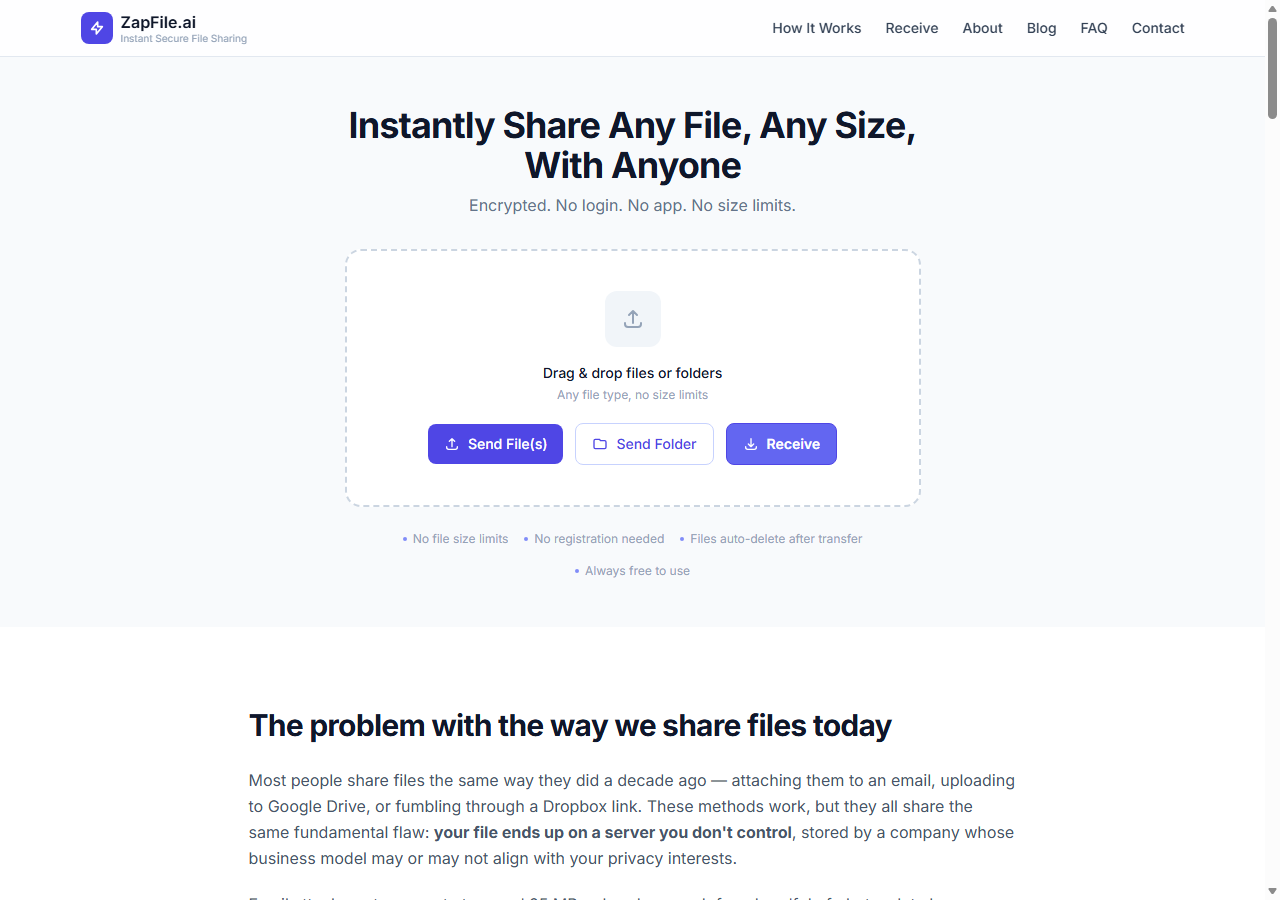
Back in May, when I wrote about what we were building next, folder support was the second most-requested feature we had heard from users — right behind password-protected links. It's live now. You can drag an entire folder into Zapfile, and whoever receives your 5-digit code can save that folder straight back to their device with the exact same structure you sent — subfolders, nesting, and all. No zipping before you send. No unzipping after they receive.
Also readWe Just Hit 1 TB Transferred. Here Is How Zapfile Got Here. →Why Zipping a Folder Was Always the Wrong Extra Step
If you've ever needed to send someone a project folder, you already know the ritual: select the folder, right-click, compress it into a .zip, wait for that to finish, upload the zip, and then hope the person on the other end knows how to extract it — and does, correctly, without their phone's default app mangling the folder names or dropping empty subfolders. We've covered how messy that gets specifically between Android and iPhone, where zip handling differs enough between platforms that files go missing or previews break entirely.
That extra compress-and-extract round trip was never really about the files. It was a workaround for the fact that browsers, historically, could only upload and download flat lists of files — no concept of a folder as a folder. So every tool, Zapfile included until now, asked you to flatten your folder into an archive first and trusted the recipient to put it back together correctly on their end. That trust step is exactly where things go wrong — corrupted archives, partial extracts, folder names getting mangled by whatever unzip tool happens to be default on someone's phone.
How Folder Upload Works Now
On the Zapfile homepage, you can now drag an entire folder directly onto the upload area, or click Send Folder to pick one from a folder browser. Either way, Zapfile walks the folder recursively — including every nested subfolder — and uploads each file while keeping track of its original relative path. Add as many folders as you like in a single transfer; each one keeps its own structure separate from the others.
There's no depth limit and no file-type restriction. A design project with an assets/, exports/, and drafts/ subfolder structure comes through exactly as organized as it left your machine. Large files inside the folder are still automatically chunked and uploaded in parallel, the same as any other transfer — folder support didn't change how the upload itself performs, only what it's able to preserve.
How Folder Download Works: Save to Device
This is the half of the feature I'm actually more excited about, because it's the part that used to be entirely on the recipient to figure out. When someone enters your code on the receive page now, they get two ways to download:
- Save to Device — on Chromium-based browsers (Chrome, Edge, Brave, and similar), this writes every file straight to a folder the recipient picks, recreating your exact folder structure on their disk. No zip is created at any point. It's the default, primary option.
- Download All (.zip) — still there as a fallback for browsers that don't support direct folder writes (Safari, Firefox), or for anyone who just prefers a single archive.
Save to Device is built on the browser's File System Access API, which is why it's currently a Chromium-only capability — Safari and Firefox haven't shipped support for it yet. On those browsers the option is simply hidden, and Download All (.zip) takes over automatically as the only button shown, so nobody hits a dead end either way.
Nothing About the Core Rule Changed
Folder support went through the same constraint every feature has to clear before it ships: does it require an account? It doesn't. Folders move through the same architecture as single files — staged temporarily on Cloudflare R2, encrypted in transit and at rest, and permanently deleted the moment the recipient finishes downloading. A folder with fifty files inside it is still gone from our servers the instant the last one lands on the recipient's device, same as it's always been for a single file.
If anything, this closes a gap that made Zapfile a worse fit than it should've been for the exact people it was built for — professionals sending organized project files, families sharing a folder of photos from an event, developers handing off a codebase snapshot. All of that used to mean zip-first. Now it doesn't.
Also readNo-Cloud File Sharing for Businesses: Why Your Team Does Not Need Google Drive for Every Transfer →What's Still on the Roadmap
Folder support was the second item on the list from the May roadmap post. Password-protected links are still first in line and actively in progress. Transfer expiry control and delivery confirmation remain further out. I'll keep writing these updates as things actually ship rather than batching them — a feature is worth announcing when you can click a button and use it, not before.
Try it the next time you need to send more than one file — drag the whole folder in, share the code, done.
— Tanuja
Try ZapfileShare Files Securely Online — No Account Needed→Tags

Tanuja Chinthati is the Content and Marketing Lead at ZapFile, based in Ontario, Canada. With a background in Electronics and Communication Engineering, she writes about privacy-first file sharing, secure data transfer, and digital privacy — making complex security concepts accessible to everyday users.
View all articles →